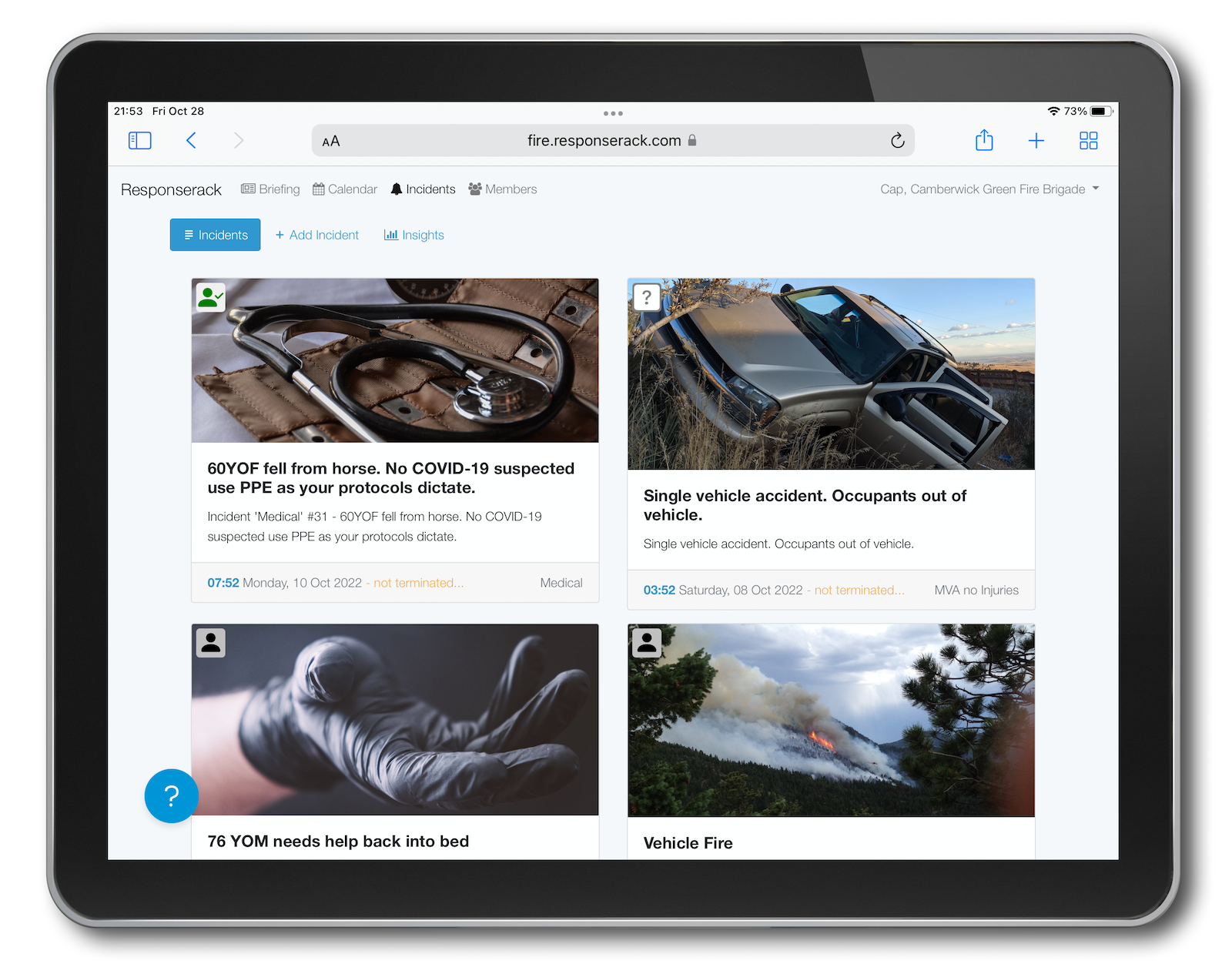
Most of the time - as a firefighter putting wet stuff on red stuff - you leave your phone in your pocket, or back at the station. Then again, there are times to use a device (a tablet in the truck, or your phone) to capture information.
When your assignment / role is:
… and this is just the start of the list. I’m sure you’ll find more.
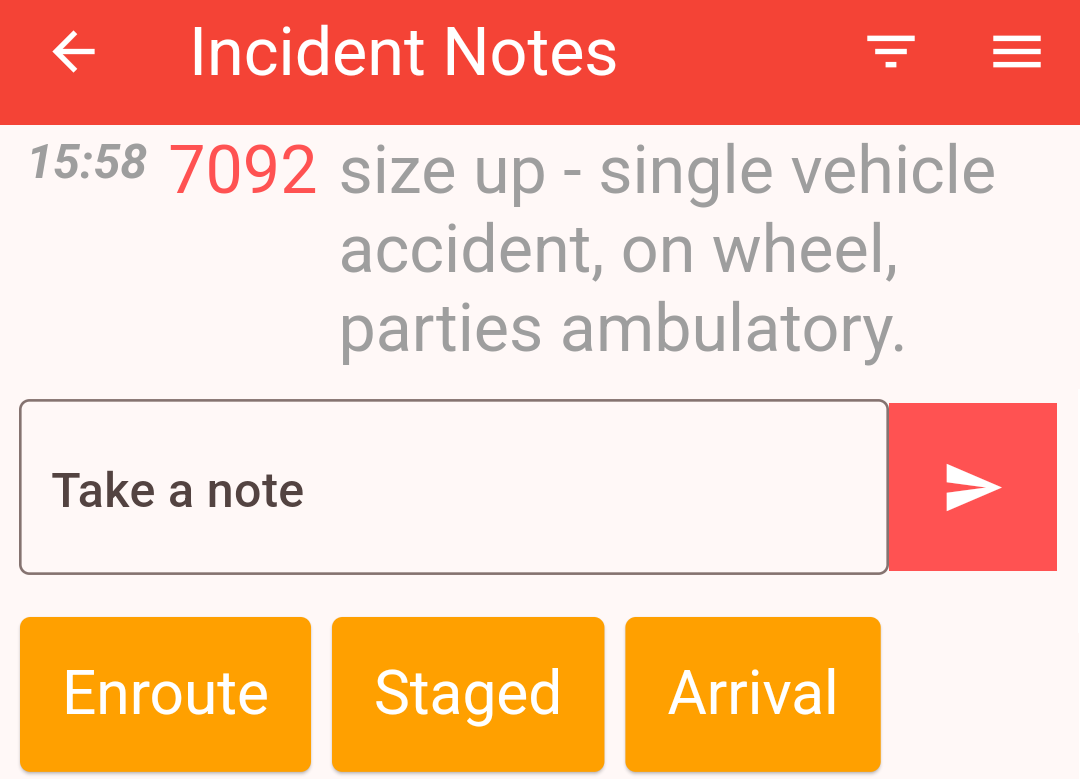
Take notes quickly and easily on scene, or in the apparatus, and have those notes to aid with incident reporting.
Use your mobile device to easily capture notes, or specific events (timestamps.) Simple open the “Notes” screen for an incident, and either type (or voice to text) your note, to get it timestamped and attached to the incident, with you as the contributor. If you select one of the predefined buttons you can simply tap without needing to type, e.g. for arrival time.
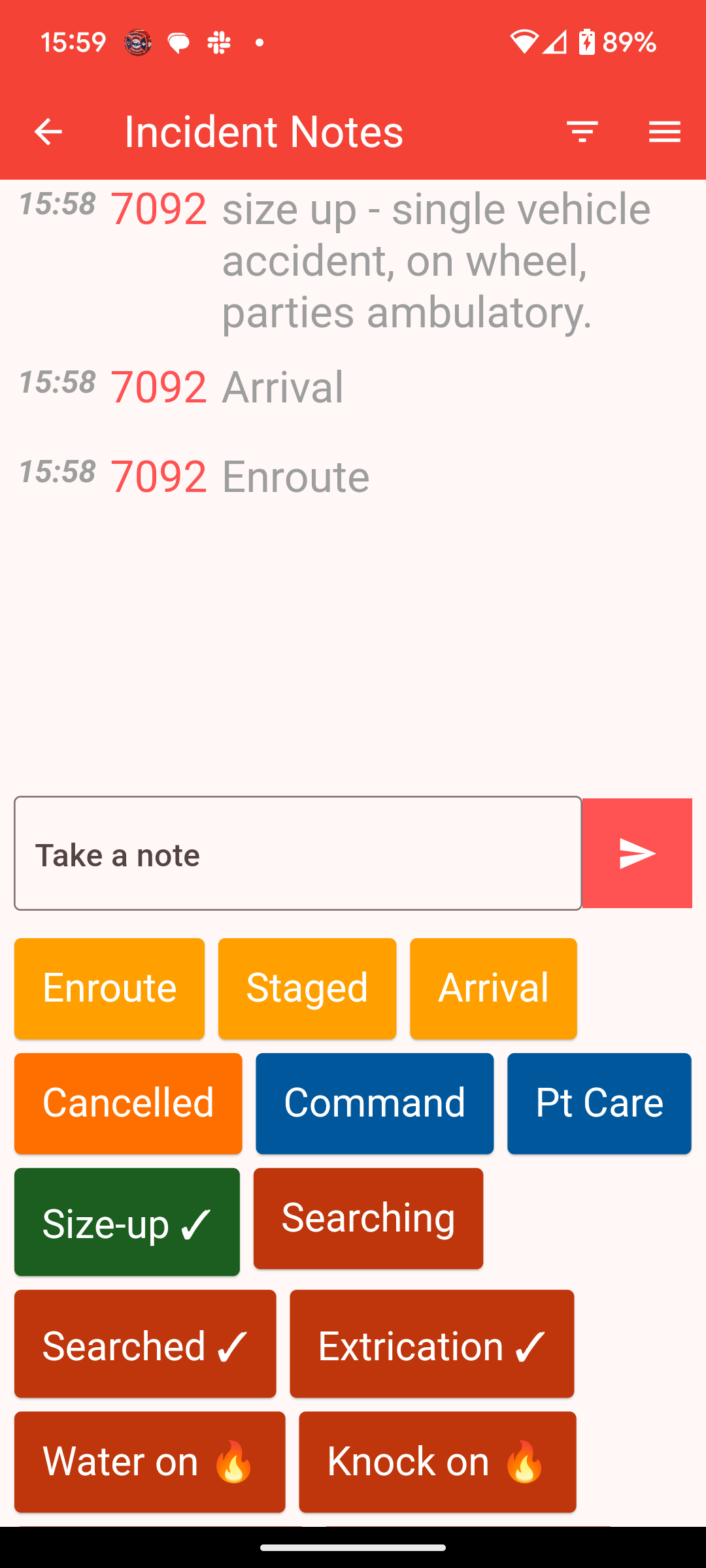
Firefighter operational notes from the scene …
These pre-defined buttons allow you to capture timestamps with the minimum of distraction from the incident. ( NERIS is hoping to capture more tactical timestamps, and this new notes screen is here to help. )
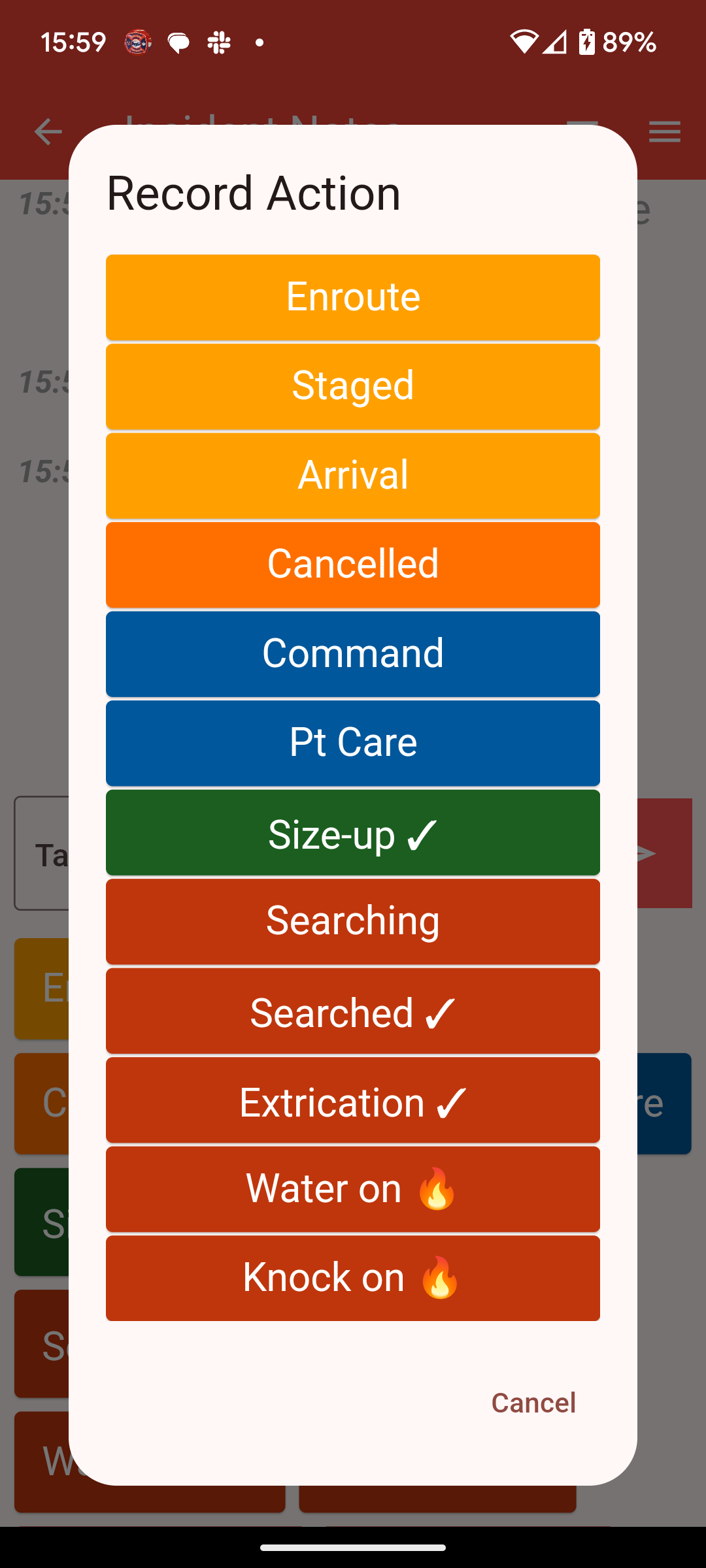
Firefighter operational timestamps from the scene …
Of course you can use the notes as reminders, and enter them into the incident. However, there is more.
Once the incident has been terminated, and the report is being generated, process these notes using the Responserack firefighter view, or Responserack administration view.
Over time, you’ll determine your use cases for incident operational notes. Don’t let them interrupt operations, but use them when you want the device to capture timestamped information.
Are you making the most of the Responserack mobile app?
Sign up to hear more from Responserack on Volunteer Fire Departments, USFA NERIS and USFA NFIRS.
Responserack provides services for volunteer fire departments; member information services, incident reporting, NFIRS and so much more.